B.AI Android App and Service Availability
The B.AI Android App integrates core B.AI functions and pages. It also provides B.AI Service Availability, where users can find Web access URLs and API Base URLs available for their current network environment. This is useful for users in mainland China and other network environments where the primary B.AI Web or API address cannot be reached directly.
Download the App
The B.AI Android App requires Android 8.0 or later. Use either of the following official installation methods:
- Google Play: Install B.AI from Google Play.
- Official APK: Visit the B.AI official website and scan the Android download QR code in the upper-right corner.
The official APK download QR code is also shown below for convenience:
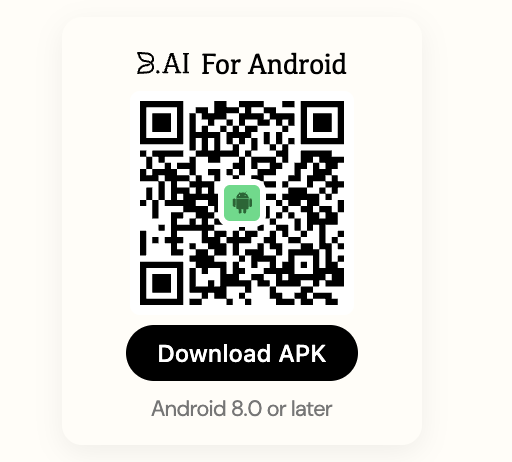
Install the App only through the Google Play listing above or the QR code provided by the official B.AI website.
View Available Service Addresses
Open the B.AI Android App and select B.AI Service Availability. The page provides:
- Web access URLs: Open an available address to use B.AI Web services.
- API Base URLs: Copy an available address into the Base URL field of your API client or integration.
When configuring an API client, copy the complete API Base URL displayed in the App without manually adding or removing path segments. For authentication, request protocols, and examples, see the API Reference.
Service-specific addresses are maintained in the App rather than duplicated in this document. Reopen B.AI Service Availability whenever you need to check the available addresses for your network environment.