Telegram
Prerequisites
Configuration Steps
1. Create a Bot and Get Bot Token
- Open Telegram, search for and open @BotFather (with verification badge)
- Send
/newbot - Follow the prompts to enter and create a bot (must end with
bot, e.g., myclaw123bot) - On success, copy the Bot Token (format:
123456:ABCdef...) and paste it into BAIclaw's Bot Token input box
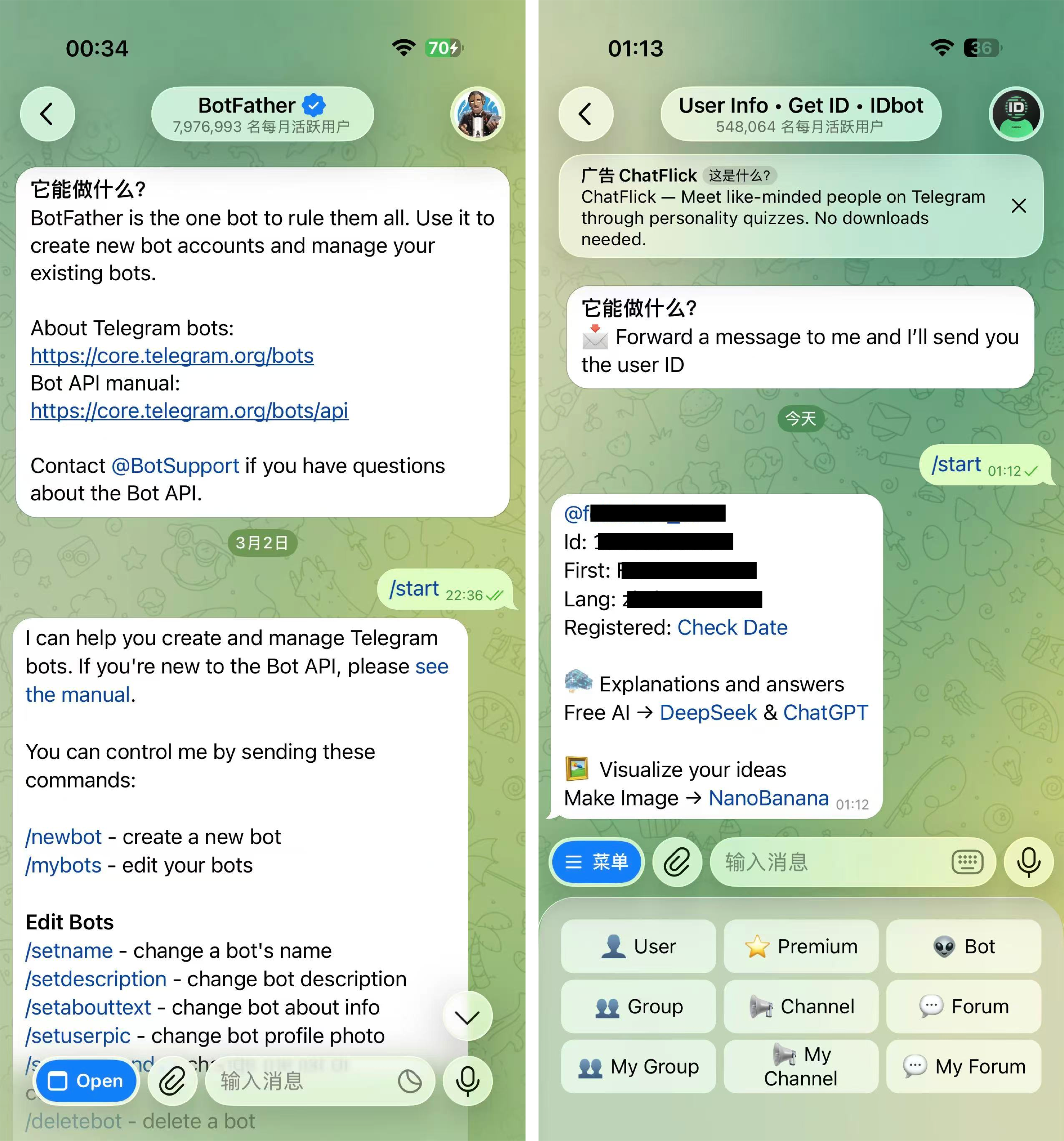
2. Get User ID
- Search for and open @userinfobot and click Start
- Get your User ID from @userinfobot and paste it into BAIclaw's Allowed User IDs input box
- Search for the bot you just created in Telegram and start a conversation